Video creators
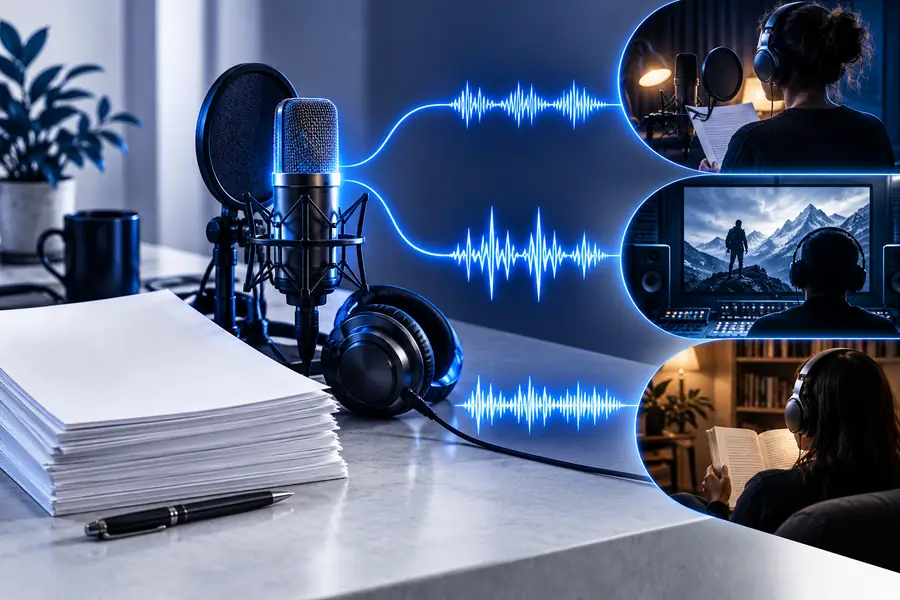
A creator has a short script for an explainer, tutorial, or social clip but does not want to record every revision.
Voice AI can provide a consistent narration draft that is easier to review against the edit.
ai voice generatorVoice creation
A free ai voice generator can help you move from a written idea to usable narration without starting with recording equipment. Shape the message, review the result, and refine the parts that need a more natural voice.
Keep exploring
Choose the next guide based on whether you need access advice, a broader tool overview, or help using voice AI online.
Built for real work
The best results come from matching the voice direction to the audience, the message, and the setting where the audio will be heard.
A creator has a short script for an explainer, tutorial, or social clip but does not want to record every revision.
Voice AI can provide a consistent narration draft that is easier to review against the edit.
ai voice generatorA product team needs sample onboarding lines, feature announcements, or prototype narration before a final production session.
A generated voice helps the team hear pacing and emphasis while the copy is still changing.
voice ai freeAn educator is preparing a lesson, recap, or accessibility-minded audio version of written material.
A voice draft can make structure and clarity easier to evaluate before sharing the lesson.
how to use voice ai onlineA small business needs a concise welcome message, service explanation, or campaign concept without booking a full session first.
Voice AI makes early creative testing more practical, while final customer-facing audio can receive a separate review.
how to use voice ai on pcSimple workflow
Treat generation as an editing loop rather than a one-click finish. Clear input and a deliberate review usually matter more than extra decoration.
Use the words the listener should actually hear. Remove dense formatting, unexplained abbreviations, and sentences that are difficult to say aloud.
State the audience, mood, pace, emphasis, and context. A direction such as calm product guidance is more useful than a vague request for a good voice.
Listen for pronunciation, pauses, energy, and unwanted emphasis. Adjust the script or direction, then compare the new take with the intended use.
Know the edges
A free ai voice generator is useful for drafting and testing, but generated audio still needs human judgment before it represents your work.
Unusual names, acronyms, borrowed words, and specialist terms can be pronounced unexpectedly.
Workaround
Write a phonetic hint or replace the term temporarily while testing the delivery.
A requested mood may sound too energetic, flat, formal, or dramatic for the audience.
Workaround
Use specific direction about pace and emphasis, then review several versions instead of accepting the first output.
Generated audio can contain timing or wording issues that are easy to miss when reading the script silently.
Workaround
Listen with the visuals, captions, or surrounding dialogue and have another person check the final take.
Voice AI does not remove the need to confirm that scripts, names, likenesses, and any voice reference are appropriate to use.
Workaround
Use material you have permission to use and keep a clear review record for published projects.
Choose the right starting point
These approaches solve different parts of the production process. Use the comparison to decide where voice AI belongs in your workflow.
Best starting use
Voice AI draft
Testing scripts, pacing, and early concepts
Recorded voice session
Capturing an approved performance
Revision speed
Voice AI draft
Useful when wording changes often
Recorded voice session
Usually requires another recording pass
Direction style
Voice AI draft
Written instructions for tone and delivery
Recorded voice session
Live direction with a person in the room
Performance nuance
Voice AI draft
Can be suitable for drafts and selected uses
Recorded voice session
Often preferred when subtle acting is central
Review responsibility
Voice AI draft
Check pronunciation, timing, and suitability
Recorded voice session
Check the take, edit, and final mix
Production role
Voice AI draft
A flexible part of pre-production or content creation
Recorded voice session
A final or near-final recording stage
See the transformation
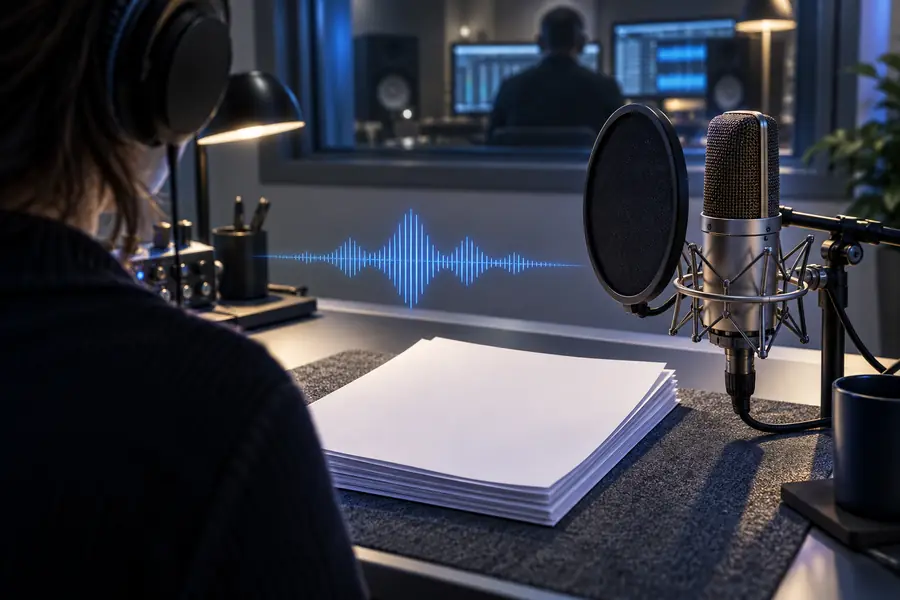
The difference is not only the generated voice. Better input gives the system clearer information about pacing, audience, and intent.
 Undirected script
Directed voice draft
Undirected script
Directed voice draft
Start with one script
Bring a short piece of copy and a specific delivery goal. Voiceai gives you a focused place to test the sound of the message before you commit to a larger production workflow.
Try the voice generatorCommon questions
It creates spoken audio from written direction or a script. People commonly use one to test narration, prototype content, review pacing, or prepare an early voice track before a final production decision.
Not in every situation. It can be useful for drafts, internal examples, and some approved content, but a human performer may be the better choice when the work depends on nuanced acting, identity, or close creative direction.
Write for the ear, not just the page, and describe the intended audience, mood, pace, and emphasis. Review the output aloud with the surrounding video or script, then revise unclear wording and pronunciation hints.
It should be reviewed before publication. Check names, numbers, pauses, emphasis, timing, captions, and permissions for any voice or source material involved in the project.
Include the exact text, the audience, the desired tone, and any delivery notes such as calm pacing or a clear pause after a key phrase. A specific brief usually gives you a more useful first draft than a general request for a natural voice.